
Tagged: voxels

Part 1: Vite, Babylon.js and a Density Field
Set up a Vite project with TypeScript and Babylon.js 9, and describe a shape the way smooth voxel terrain does: as a number at every point of a grid, above 0 inside and below 0 outside.
Advanced20 min
Part 1: Blocks on the Terrain
Put blocks on the smooth voxel terrain: a grid of half-meter cells, blocks of three sizes that fill whole cells, one mesh per region with the hidden sides left out, and a tool that places and breaks them where you look.
Advanced40 min
Part 2: Marching Cubes With a Generated Table
Turn the density grid into a smooth mesh with marching cubes, from a case table the code works out from the cube itself, so that neighboring cubes always close.
Advanced35 min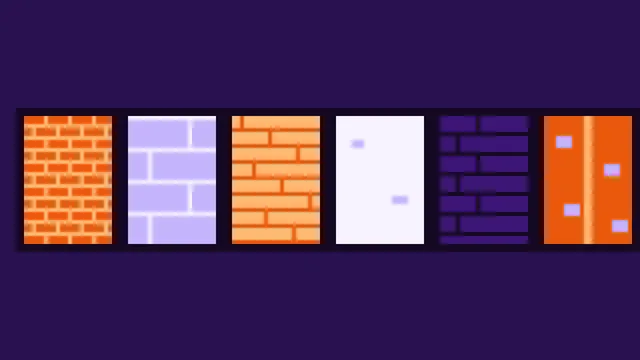
Part 2: Painted Blocks and Their Light
Paint six materials in code, from bricks to copper, and lay them on the blocks by their place in the world, so that walls read as one surface. A bar shows the materials, and blocks in caves get dark, from the light grids the workers already work out.
Advanced40 min
Part 3: Surface Nets
Add a second mesher that needs no table: one vertex inside each cell the surface passes through, and a quad across each edge where the density changes sign. The M key switches between the two.
Advanced25 min
Part 3: Walking on Blocks
Make the blocks solid for the player: the signed distance to a box, the nearest surface among the terrain and the blocks, a way out of a wall that leads into the open, and no blocks where the player stands.
Advanced25 min
Part 4: Terrain From Noise: Hills, Overhangs and Caves
Generate an endless terrain from seeded simplex noise: hills and mountain ridges as a height, then overhangs and tunnel caves that only a density can hold. A block of it, cut out like a slice of cake, shows the inside.
Advanced30 min
Part 4: A Chisel for Rounded Edges
Round the edges of blocks with a chisel: twelve bits per block, a shape made of eight octants that are each a box, a quarter cylinder, two crossing cylinders or an eighth of a ball, its signed distance for walking, and a tool that lights up the edge, corner or side you aim at.
Advanced45 min
Part 5: Chunks and Seams
Cut the world into chunks of 32 m, mesh each one on its own, and make them meet without a seam, for both meshers, by giving every chunk the same samples at its borders.
Advanced20 min
Part 5: Slopes and Roofs
Give the chisel a second profile: an edge cut flat from side to side. A cube clipped by one plane per edge makes wedges, ridges, pyramids and hip corners; the player walks up them like ramps, and slate lies on a roof in level rows.
Advanced40 min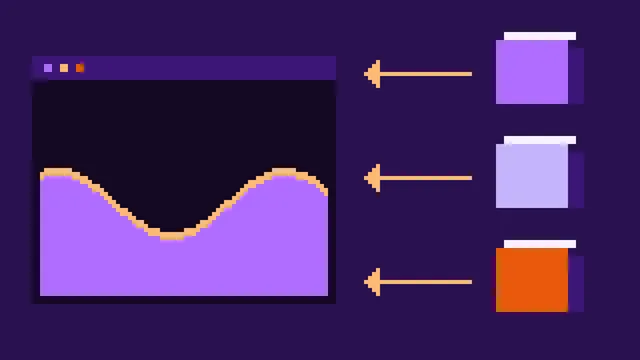
Part 6: Meshing in Web Workers
Move sampling and meshing off the page into a few Web Workers, hand the finished arrays back without copying them, and keep the page responsive while the chunks are built.
Advanced20 min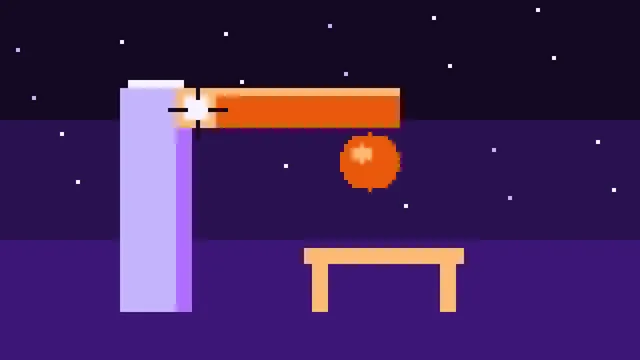
Part 6: What Holds a Block
Decide which blocks stand: a block holds while a chain of blocks touching by a side or an edge leads to one the ground holds. Search groups lowest block first after a break or a dig, show in orange what would fall with the block you aim at, and build a little scene to try it on.
Advanced35 min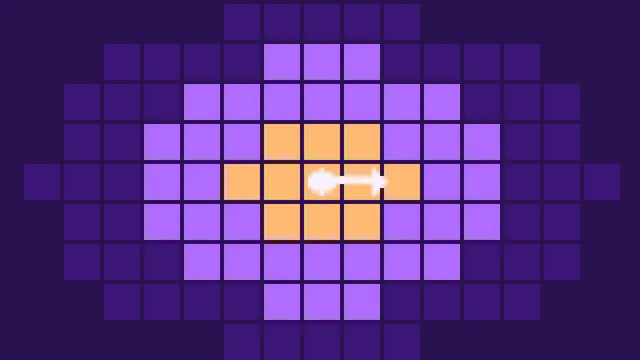
Part 7: Streaming an Endless World
Load the chunks within a radius of the camera, nearest first, drop the ones it leaves behind, skip the sky above the highest ground, and spread the work of showing meshes over the frames.
Advanced30 min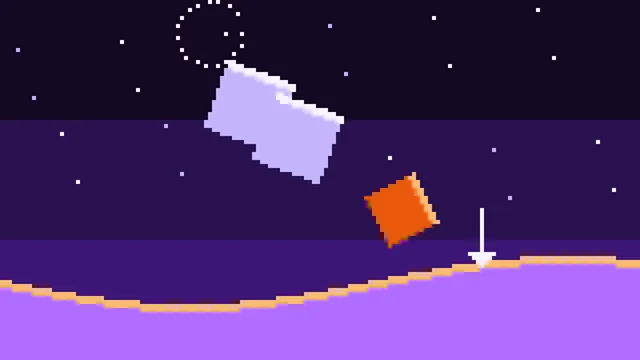
Part 7: Falling Pieces
Let loose groups fall as rigid bodies, with no physics engine: mass, middle and inertia from the blocks, a quaternion that turns, contacts at the corners of the cells against the terrain and the blocks, pushes that keep them out, friction that makes them stop, and rest when they lie still.
Advanced50 min
Part 8: Triplanar Textures
Give the terrain grass, soil, rock and snow: textures painted in code into a texture array, projected from three sides in a GLSL shader, and chosen by slope, height and how deep below the ground a spot lies.
Advanced35 min
Part 8: Rubble
Turn pieces at rest into rubble: solid for the player and for the pieces still falling, at any angle, not to build on, broken up block by block, falling apart into pieces where it splits, and falling again when what it lies on goes.
Advanced35 min
Part 9: Digging and Building
Dig balls out of the ground and build them up: edits change the density samples, are kept only where they happened, reach the workers as operations, and rebuild the chunks they touch all in the same frame.
Advanced40 min
Part 9: Chain Reactions
Let falling pieces break the blocks they hit: note which block each contact touches and how fast it closes in, turn speed and weight into damage, give each material a strength, and let the support do the rest, so that one broken block can bring down a whole building.
Advanced25 min
Part 10: Walking on the Terrain
Walk on the terrain without a physics engine: the player is two balls that ask the density field itself how far the ground is, stand on slopes without sliding, slide along walls, jump and fall into the holes you dig.
Advanced30 min
Part 10: Dust and Sound
Give the collapse weight: puffs of dust in the color of the material where pieces land and blocks break, and thuds, cracks and knocks made with the Web Audio API from noise and a falling tone, louder and deeper for heavier, harder hits, with no sound files.
Advanced30 min
Part 11: Cave Light
Let the light of the sky reach only as far into a cave as it can travel through the air: a grid of light nodes, filled breadth-first from the open sky, read at every vertex, the same in neighboring chunks, and a lamp for the dark.
Advanced35 min
Part 12: A Far View to the Horizon
Show the ground beyond the chunks, out to 4.5 km, as a cheap heightfield of rings around the camera that get wider with distance, built in a worker of its own, and joined to the voxel terrain with an overlap the shader hides.
Advanced30 min