
Hello world :)
Here you can find quick tips and tutorials about web development and game development created with ❤️ by DasPeTe.
63 tutorials · 7 series · English and German
Choose your path
Quest lines
Browser Games
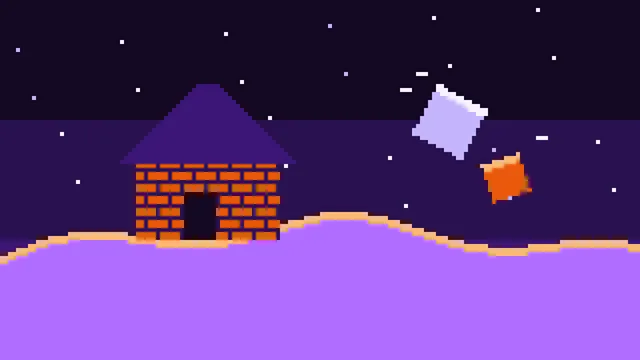
Building on Voxel Terrain in Babylon.js
Build with blocks on the smooth voxel terrain: three sizes, painted materials, edges rounded and sloped with a chisel, and buildings that come apart when nothing holds them any more, falling as rigid bodies, landing as rubble, smashing what they hit and raising dust.
Advanced10 parts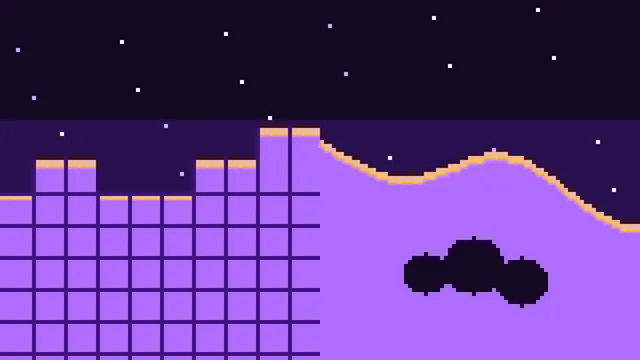
Browser Games
Smooth Voxel Terrain in Babylon.js
Build an endless voxel terrain in TypeScript with Babylon.js: smooth surfaces from marching cubes and surface nets, hills, overhangs and caves from noise, chunks meshed in Web Workers, textures, digging, walking, cave light and a view to the horizon.
Advanced12 parts
CMS
Your Portfolio With Manablox
Build a portfolio website with the Manablox CMS: first without code, then with your own Astro frontend, and finally online with your own domain.
Beginner7 parts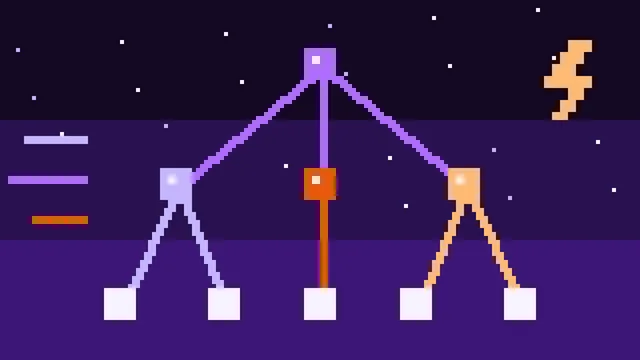
Backend
A Fast GraphQL API With Fastify and Yoga
Build a GraphQL API in TypeScript with Fastify and GraphQL Yoga, and make it fast: DataLoader, live subscriptions across instances with Valkey, a response cache and query limits.
Intermediate8 parts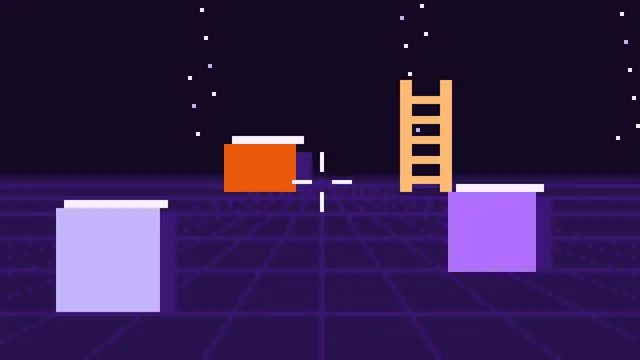
Browser Games
A First-Person Controller in Babylon.js
Build a first-person controller in TypeScript with Babylon.js, Havok and Vite that walks, runs, jumps, crouches and climbs ladders, ledges and walls, with a camera that feels right.
Intermediate11 parts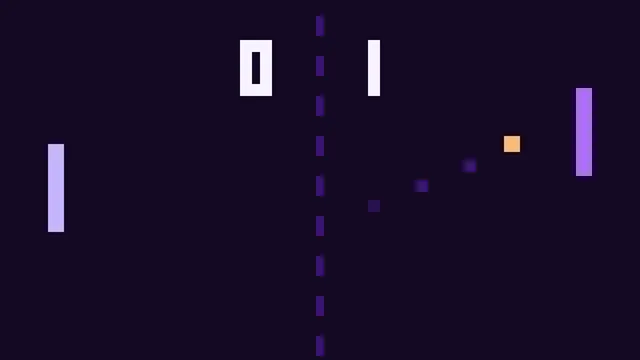
Browser Games
Pong in TypeScript
Build the classic from an empty folder to a finished two-player game, with no engine and no libraries.
Beginner2 parts
Unity
Inventory System
Build an inventory system in Unity: items as ScriptableObjects, one generic inventory for every kind of item and a UI Toolkit bar that keeps up with it.
Intermediate2 parts
Latest quests

Part 10: Dust and Sound
Give the collapse weight: puffs of dust in the color of the material where pieces land and blocks break, and thuds, cracks and knocks made with the Web Audio API from noise and a falling tone, louder and deeper for heavier, harder hits, with no sound files.
Advanced30 min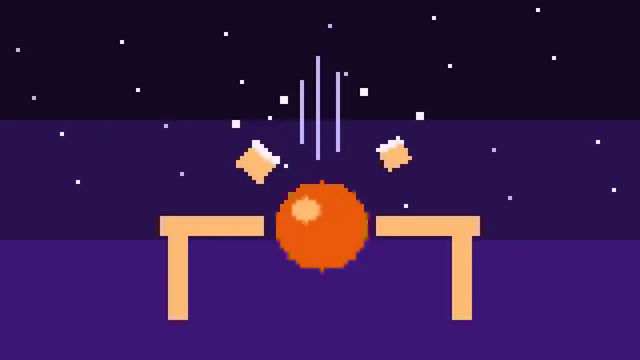
Part 9: Chain Reactions
Let falling pieces break the blocks they hit: note which block each contact touches and how fast it closes in, turn speed and weight into damage, give each material a strength, and let the support do the rest, so that one broken block can bring down a whole building.
Advanced25 min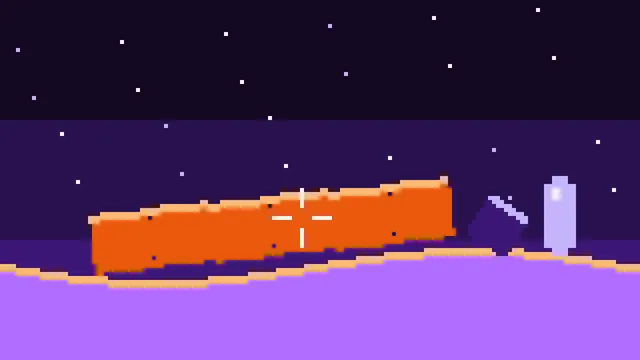
Part 8: Rubble
Turn pieces at rest into rubble: solid for the player and for the pieces still falling, at any angle, not to build on, broken up block by block, falling apart into pieces where it splits, and falling again when what it lies on goes.
Advanced35 min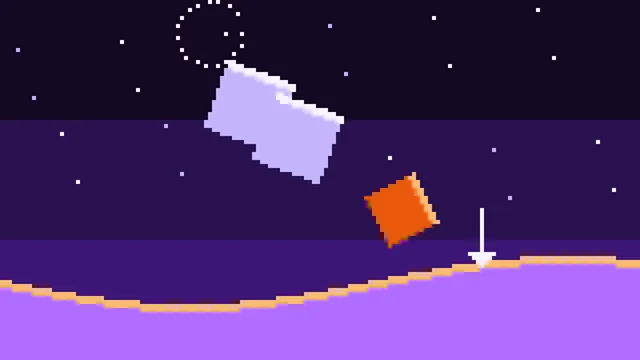
Part 7: Falling Pieces
Let loose groups fall as rigid bodies, with no physics engine: mass, middle and inertia from the blocks, a quaternion that turns, contacts at the corners of the cells against the terrain and the blocks, pushes that keep them out, friction that makes them stop, and rest when they lie still.
Advanced50 min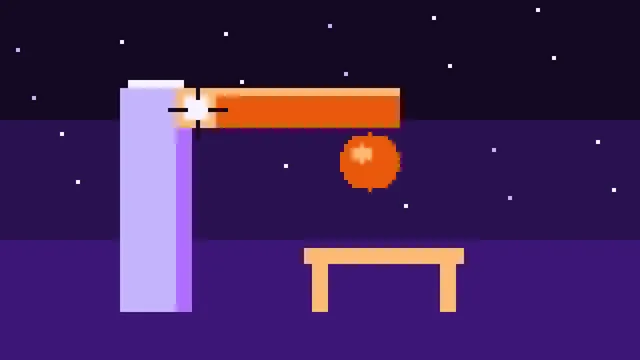
Part 6: What Holds a Block
Decide which blocks stand: a block holds while a chain of blocks touching by a side or an edge leads to one the ground holds. Search groups lowest block first after a break or a dig, show in orange what would fall with the block you aim at, and build a little scene to try it on.
Advanced35 min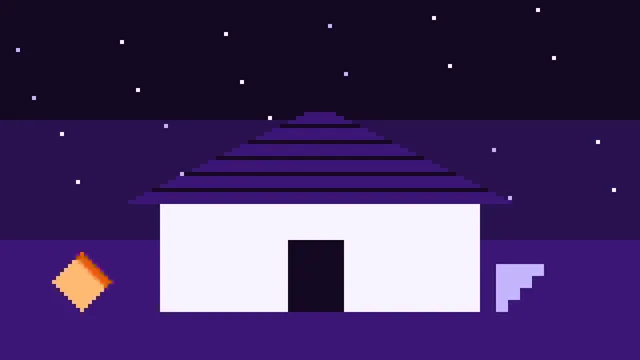
Part 5: Slopes and Roofs
Give the chisel a second profile: an edge cut flat from side to side. A cube clipped by one plane per edge makes wedges, ridges, pyramids and hip corners; the player walks up them like ramps, and slate lies on a roof in level rows.
Advanced40 min