
Game Development
Here you can find quick tips and tutorials about game development created with ❤️ by DasPeTe.
Areas
All tutorials
A Finite State Machine in Unity
Split what a game object does into states with enter, update and exit steps, with a small generic state machine you can reuse in any MonoBehaviour.
Intermediate15 min
Part 1: Items and the Inventory
Build the data side of an inventory in Unity: items as ScriptableObjects, stacks with an amount and one generic inventory class for every kind of item, tried out with pickups and a recipe.
Intermediate50 min
Your First Platformer Character in Godot
Build a character that runs and jumps, then add the small tricks that make platformers feel good: variable jump height, acceleration and coyote time.
Beginner25 min
Part 1: Canvas, Game Loop and Paddles
Set up a canvas with Vite and TypeScript, write a frame-rate independent game loop and move two paddles with the keyboard.
Beginner20 min
Part 1: Babylon.js, Havok and Vite
Set up a Vite project with TypeScript, Babylon.js 9 and the Havok physics engine, and build the test course the player walks, jumps and climbs through in this series.
Intermediate20 min
The Singleton Pattern in Unity
A generic singleton base class for managers that exist exactly once, a version that survives scene loads, and the traps to know about.
Beginner8 min
Part 2: An Inventory Bar With UI Toolkit
Show the inventory from part 1 in a bar at the bottom of the screen with UI Toolkit: UXML for the layout, USS for the look and one generic C# class that keeps both inventories up to date.
Intermediate30 min
Part 2: Ball, Collisions and Score
Add the ball, detect collisions with axis-aligned bounding boxes, let players aim with the paddle and keep score.
Beginner25 min
Part 2: Mouse Look With Pointer Lock
Capture the mouse with the Pointer Lock API, turn its movement into the angles of the view and put them on a camera of your own, without lag and without the view flipping over.
Intermediate15 min
Smooth LookAt in Unity
Turn an object smoothly towards a target instead of snapping like transform.LookAt(), with smoothing that feels the same at every frame rate.
Beginner8 min
Part 3: Walking With a Character Controller
Give the camera a body: a capsule on Babylon.js's Havok character controller that walks where you look, speeds up and slows down smoothly, falls and lands.
Intermediate25 min
Part 4: Slopes, Stairs and Steps
Walk along slopes instead of taking off from them, decide what is too steep, walk up stairs on an invisible ramp like most games do, and stay on the ground over the top of a slope.
Intermediate25 min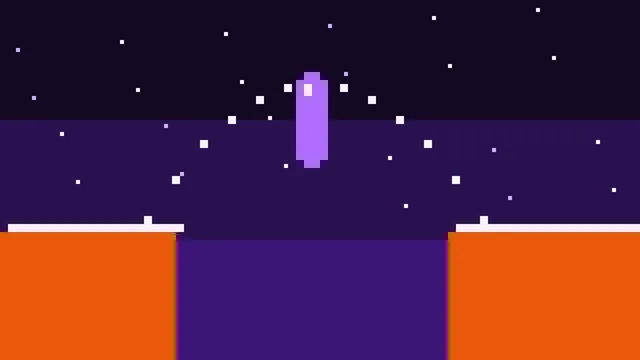
Part 5: Running and Jumping
Run with Shift, jump to an exact height, keep your momentum in the air, and make jumps feel fair with coyote time and a jump buffer.
Intermediate20 min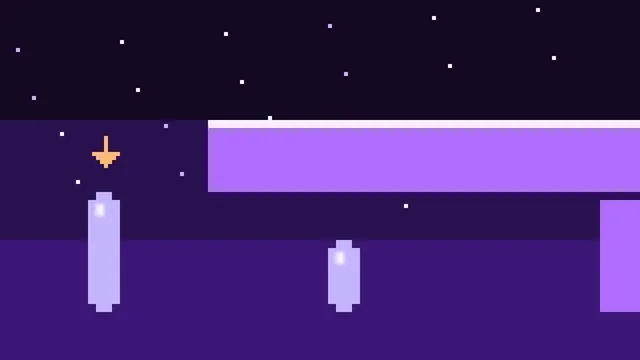
Part 6: Crouching
Swap the capsule for a shorter one without moving the feet, check for a ceiling with a shape cast before standing up again, and lower the view smoothly.
Intermediate15 min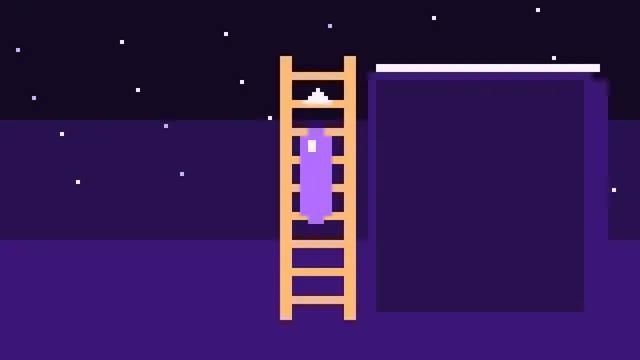
Part 7: Ladders and a State Machine
Grow walk and air into a state machine, put ladders into the level as zones, and climb them: up, down, over the top and off again with a jump.
Intermediate20 min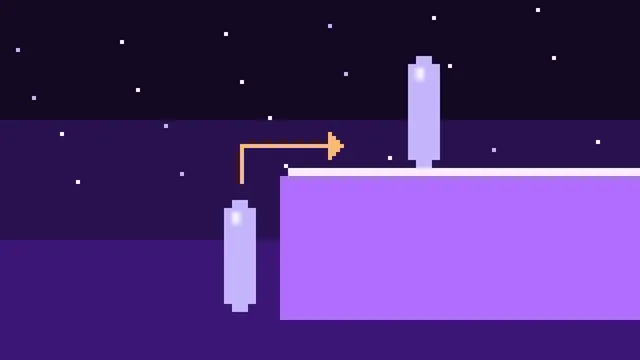
Part 8: Climbing Onto Ledges
Find a ledge in front of the player with two rays, check with shape casts that the capsule fits on the way up, and climb over the edge on a scripted path, from the ground and from a jump.
Intermediate25 min
Part 9: Hanging From Ledges
Grab ledges that are too high to climb onto at once, hang just under the edge, move along it as far as it goes, and pull yourself up or let go.
Intermediate20 min
Part 10: Climbing Walls
Mark walls as climbable with a collision layer, start climbing with a jump, move up, down and sideways along the wall, stop at its edges, climb over the top and jump off.
Intermediate20 min
Part 11: Camera Feel
Give the camera the small movements that make a body out of a floating eye: a head bob that follows the steps, a dip on landing, a lean into sideways moves and a wider view when running.
Intermediate15 min