
A First-Person Controller in Babylon.js · Part 10 of 11 in the series
Part 10: Climbing Walls
Mark walls as climbable with a collision layer, start climbing with a jump, move up, down and sideways along the wall, stop at its edges, climb over the top and jump off.
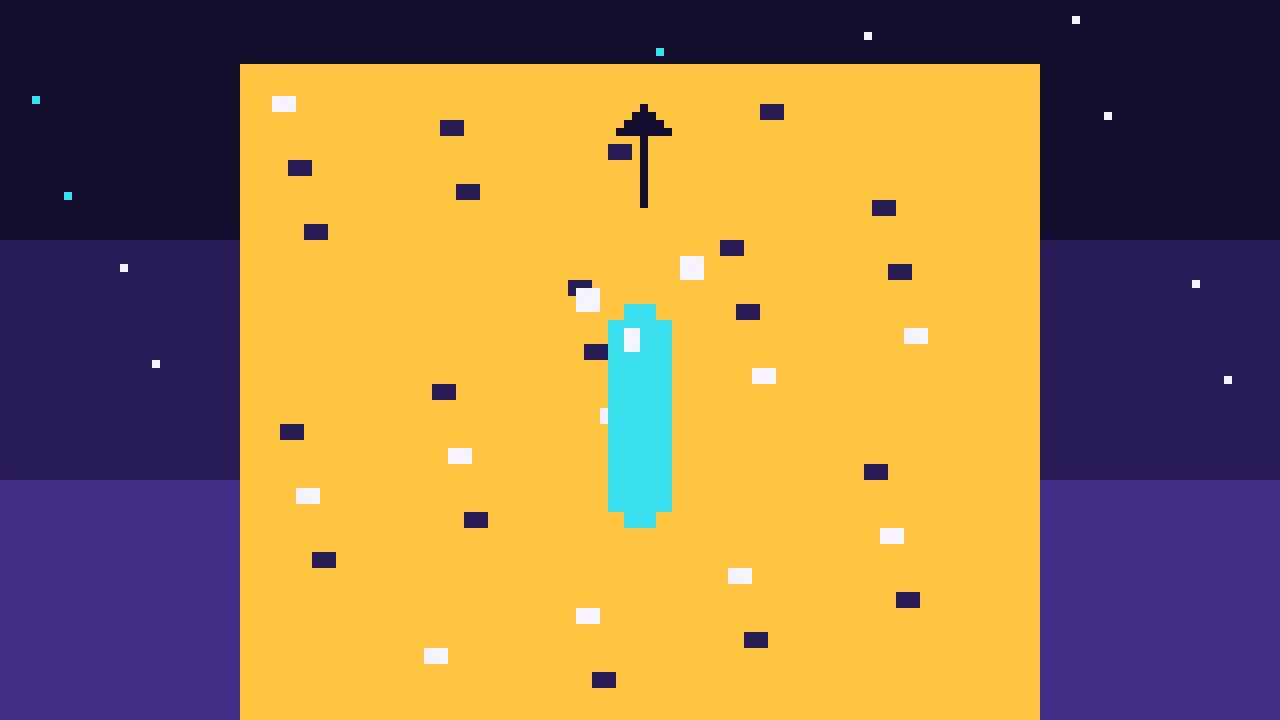
Quest objectives
- Mark walls as climbable with a collision layer
- Start climbing with a jump, from the ground or the air
- Move up, down and sideways along the wall, and stay on it
- Stop at the sides and climb over the top
- Let go, or jump off backwards
Ladders go up and down. A climbing wall goes everywhere: up, down and sideways, as far as its holds go. This last kind of climbing builds on the pieces of the parts before: the layers from part 4, the modes from part 7 and the climb onto a ledge from part 8, which takes the player over the top.
Which walls?
Unlike a ledge, not every wall can be climbed: a game shows which ones can, with holds, vines or a color, and the code has to know too. A collision layer is a good place for that. The wall stays solid for everything else, and a ray that only looks for the climbable layer finds only climbable walls. Give LAYER in src/physics.ts a third bit, and make it solid:
/**
 * Collision layers, one bit each. A shape is a member of some layers and collides with
 * others, and so is every query: rays and shape casts that look for the world skip the
 * player's own capsule.
 */
export const LAYER = {
  world: 1,
  player: 2,
  climbable: 4,
};

/** What counts as solid: the ground and walls. */
export const SOLID = LAYER.world | LAYER.climbable;
Blocks get a climbable?: boolean option in BlockOptions, which puts them in that layer. In block():
if (!options.ghost) {
      // Mass 0 makes a static body: it never moves, and costs almost nothing.
      const body = new PhysicsAggregate(mesh, PhysicsShapeType.BOX, { mass: 0 }, this.scene);
      body.shape.filterMembershipMask = options.climbable ? LAYER.climbable : LAYER.world;
    }
And further back on the right, this part adds a climbable wall, 6 m high and 8 m wide, in amber. Add climbable: '#ffc442' to the colors and the wall to buildLevel():
// Further back on the right: a wall that can be climbed all the way up.
  build.block('climbing-wall', { size: [8, 6, 2], at: [8, 3, -15], color: 'climbable', climbable: true });
Getting on
The player climbs at 2 m/s: add climbSpeed: 2 to PLAYER in the settings. Add 'climb' to the modes, a field private wallNormal = new Vector3(); for the wall the player holds, and case 'climb': this.climbWall(support); break; to the switch in update():
export type Mode = 'walk' | 'air' | 'ladder' | 'mantle' | 'hang' | 'climb';A jump in front of a climbable wall starts climbing, just as a jump in front of a ledge starts a climb onto it. tryClimbing() tries the ledge first, so a climbable block of waist height is climbed onto, not climbed up:
/** From the ground, jump climbs onto a ledge in reach, or onto a climbable wall. */
  private tryClimbing(): boolean {
    if (this.input.axis('back', 'forward') <= 0) return false;
    const center = this.controller.getPosition();
    const ledge = this.findLedge(center, this.look.forward(), PLAYER.mantleMin, PLAYER.mantleMax);
    if (ledge && this.startMantle(ledge)) return true;
    return this.tryWall();
  }
In the air, tryGrab() ends with the wall instead of return false, so jumping at a climbable wall holds on:
this.startHang(high);
        return true;
      }
    }
    return this.tryWall();
Change the comment in walk() to "A jump next to a ledge or a climbable wall climbs instead." too. Then add the section for walls to the end of the class:
// Climbable walls -------------------------------------------------------------------

  /** A climbable wall in front of `center`, within reach. */
  private findWall(center: Vector3, direction: Vector3): { normal: Vector3; distance: number } | null {
    const hit = raycast(center, center.add(direction.scale(PLAYER.radius + 0.4)), LAYER.climbable);
    if (!hit || Math.abs(hit.hitNormalWorld.y) > 0.5) return null;
    return {
      normal: hit.hitNormalWorld.clone(),
      distance: Math.hypot(hit.hitPointWorld.x - center.x, hit.hitPointWorld.z - center.z),
    };
  }

  private tryWall(): boolean {
    if (this.grabCooldown > 0) return false;
    const forward = this.look.forward();
    const wall = this.findWall(this.controller.getPosition(), forward);
    if (!wall || Vector3.Dot(wall.normal, forward) > -0.5) return false;
    if (this.crouching) this.setCrouching(false);
    this.wallNormal.copyFrom(wall.normal);
    this.mode = 'climb';
    this.jumpTimer = 0;
    return true;
  }

  private climbWall(support: CharacterSurfaceInfo): void {
    if (this.input.pressedNow('crouch')) {
      this.letGo(this.wallNormal, 1, 0);
      return;
    }
    if (this.jumpTimer > 0) {
      this.letGo(this.wallNormal, 4, 3);
      return;
    }
    const center = this.controller.getPosition();
    const wall = this.findWall(center, this.wallNormal.negate());
    if (!wall) {
      this.mode = 'air';
      return;
    }
    this.wallNormal.copyFrom(wall.normal);

    let climb = this.input.axis('back', 'forward');
    let side = this.input.axis('left', 'right');
    if (climb < 0 && support.supportedState === CharacterSupportedState.SUPPORTED) {
      this.mode = 'walk';
      return;
    }
    const into = this.wallNormal.negate();
    // At the top the head rises above the wall: climb over the edge, or stop.
    if (climb > 0 && !this.findWall(center.add(new Vector3(0, 0.6, 0)), into)) {
      const ledge = this.findLedge(center, into, 0.3, PLAYER.grabMax);
      if (ledge && this.startMantle(ledge)) return;
      climb = 0;
    }
    // At the sides, stop where the climbable part ends.
    const right = new Vector3(-this.wallNormal.z, 0, this.wallNormal.x);
    if (side && !this.findWall(center.add(right.scale(side * PLAYER.radius)), into)) side = 0;

    this.velocity.set(0, climb * PLAYER.climbSpeed, 0);
    this.velocity.addInPlace(right.scale(side * PLAYER.climbSpeed));
    // Keep the capsule just off the wall.
    this.velocity.addInPlace(into.scale((wall.distance - PLAYER.radius - 0.05) * 10));
  }
On the wall
findWall() casts a ray towards the wall, but only against the climbable layer, and returns the wall's normal and how far away it is. A floor or a slope is no wall, so hits that face up or down are ignored.
While climbing, the player looks for the wall again every frame, in the direction it was last time, so the normal follows the wall. From that normal come the directions to move in: up the wall, and to the right along it, as seen by someone facing it. W and S climb up and down, A and D move sideways, all at 2 m/s, and there is no gravity.
A last part of the velocity keeps the capsule on the wall: it points into the wall, ten times the gap beyond 5 cm. If the player drifts away, they are pulled back, and the controller stops them at the wall.
The edges
The top. A second ray, 60 cm above the center of the capsule, looks for the wall too. When it finds none while the player climbs up, the head is above the top of the wall, and
findLedge()looks for the top in front. If there is one, the climb from part 8 takes the player over the edge. If not, the player stops.The sides. Before moving sideways, a ray a capsule's radius to that side checks that the wall goes on. Where the climbable part ends, the player stops, even if the wall itself went on.
The bottom. Climbing down onto the ground ends the climb, as on a ladder.
C lets go and drops the player, and Space jumps off backwards, with the same letGo() as the ladder.
Try it
Walk to the amber wall further back on the right, hold W and press Space: the HUD shows climb. Climb up, move sideways to the end of the wall, where you stop, and climb on to the top, where you climb over the edge onto it. Jump onto the wall from a run-up, and you hold on in mid-air.
In the last part the camera gets the small movements that make walking, landing and running feel alive.