Tagged: ci-cd
Part 1: A Guestbook Worth Deploying
See how the whole pipeline will work, then build the small app it deploys: a guestbook on Node.js with a PostgreSQL database, a test, and a first commit on GitHub or GitLab.
Beginner25 minPart 2: Health Checks and Graceful Shutdown
Teach the guestbook the two things every deploy will ask of it: to say honestly whether it is ready for visitors, and to finish its open requests before it leaves.
Beginner20 minPart 3: The App in a Container
Pack the guestbook into a Docker image that checks its own health, run it beside its database with Docker Compose, and watch it shut down gracefully when the container is stopped.
Beginner20 minPart 4: A Pipeline That Tests and Builds
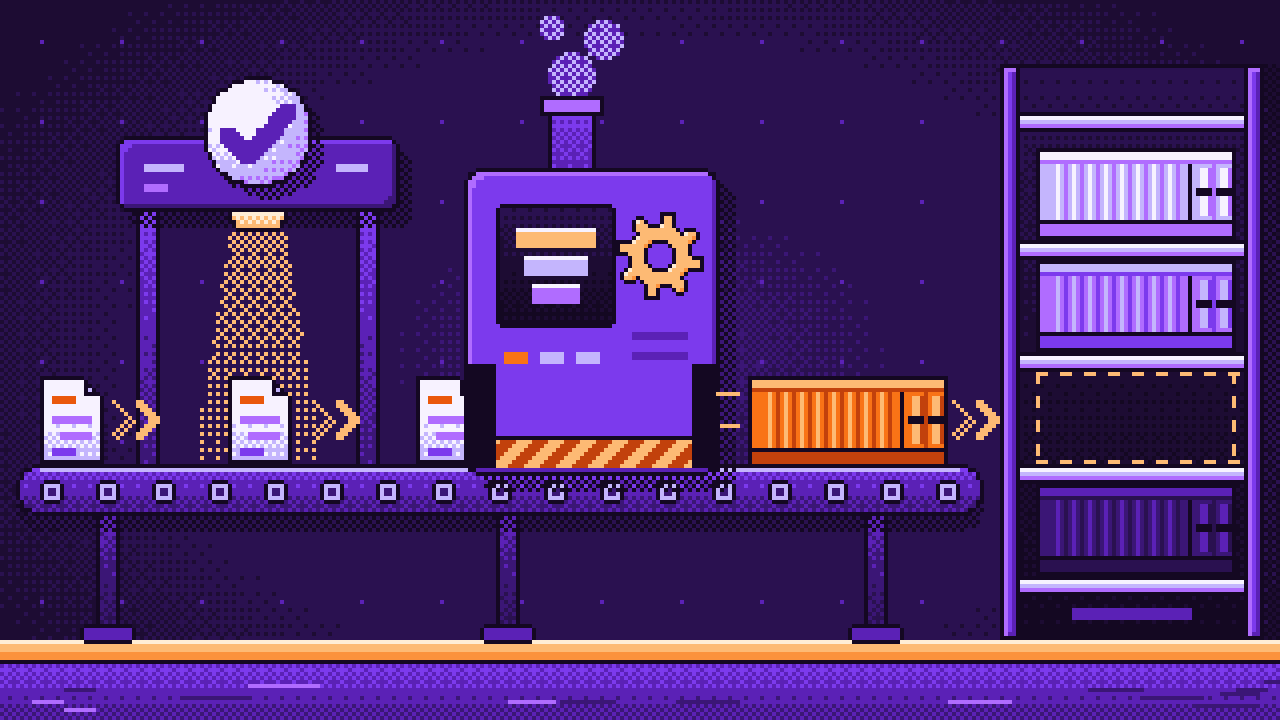
Let GitHub or GitLab do the work after every push: run the tests, build the image and put it on a shelf where the server can find it, under two names.
Beginner25 minPart 5: A Server of Your Own
Rent a small server and make it ready: a user of its own, a locked door, Docker without root, a domain that points at it and a key that can read your images and nothing else.
Beginner30 minPart 6: Caddy and the First Deploy
Put the guestbook online: behind Caddy, which fetches the HTTPS certificate by itself, with its secrets kept on the server. Then update it the usual way and count the visitors who get an error.
Beginner25 minPart 7: Swapping Containers Without a Gap
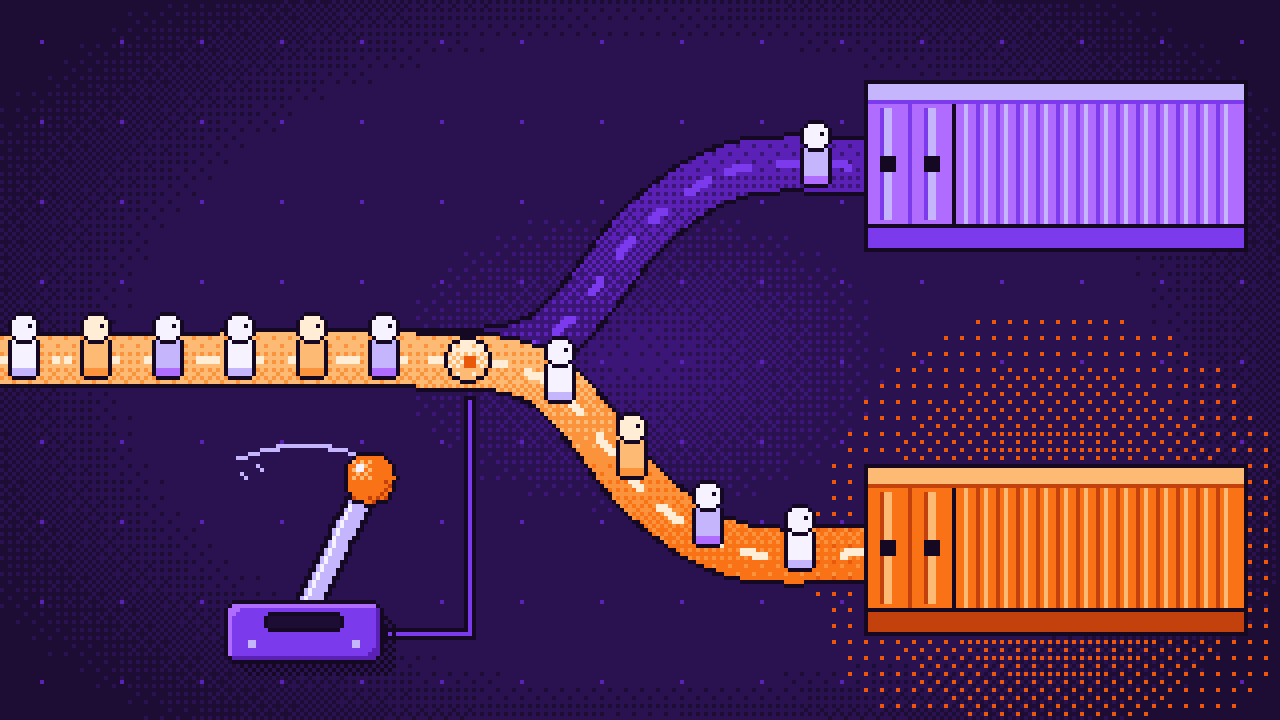
Write the deploy script that closes the gap: it starts the new container beside the old one, waits until it is healthy, moves the visitors over and only then lets the old one go.
Beginner30 minPart 8: The Server Fetches New Versions Itself
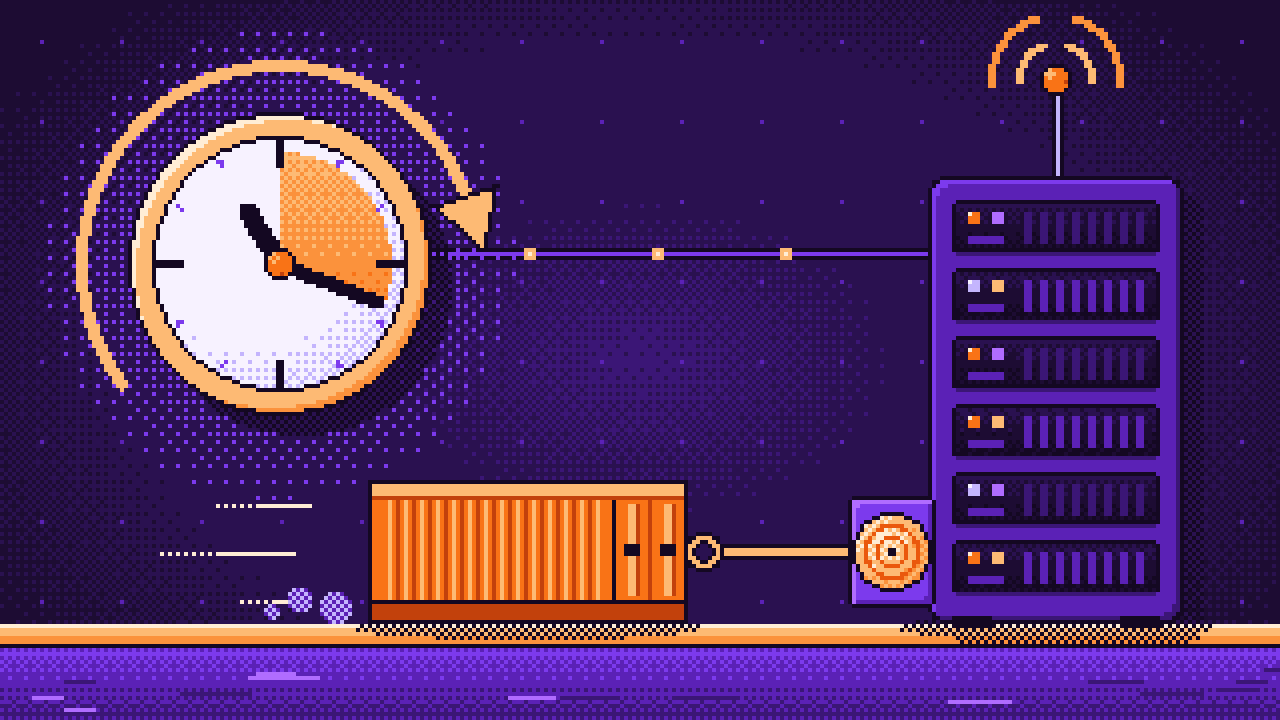
Let the server look for a new image once a minute and run the deploy script by itself, with a systemd timer. From now on a push is all it takes, and nothing outside can reach into your server.
Beginner20 minPart 9: When a Deploy Goes Wrong
Watch a broken version fail without a single visitor noticing, teach the script to remember an image that failed, and build a way back: one click names an older image production again.
Beginner25 minPart 10: Changing the Database Without Downtime
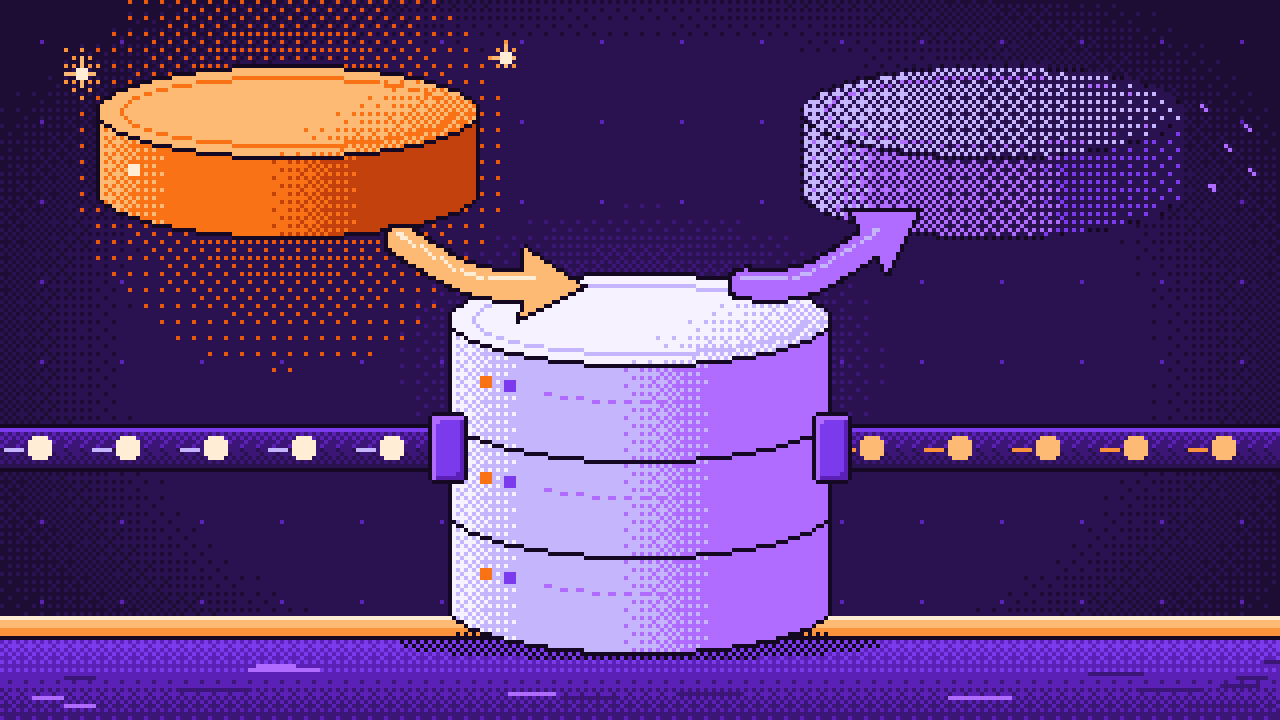
During every swap two versions of the app share one database. Learn the rule that keeps both working, and rename a column in three small deploys instead of one risky one.
Beginner25 minPart 11: A Message After Every Deploy
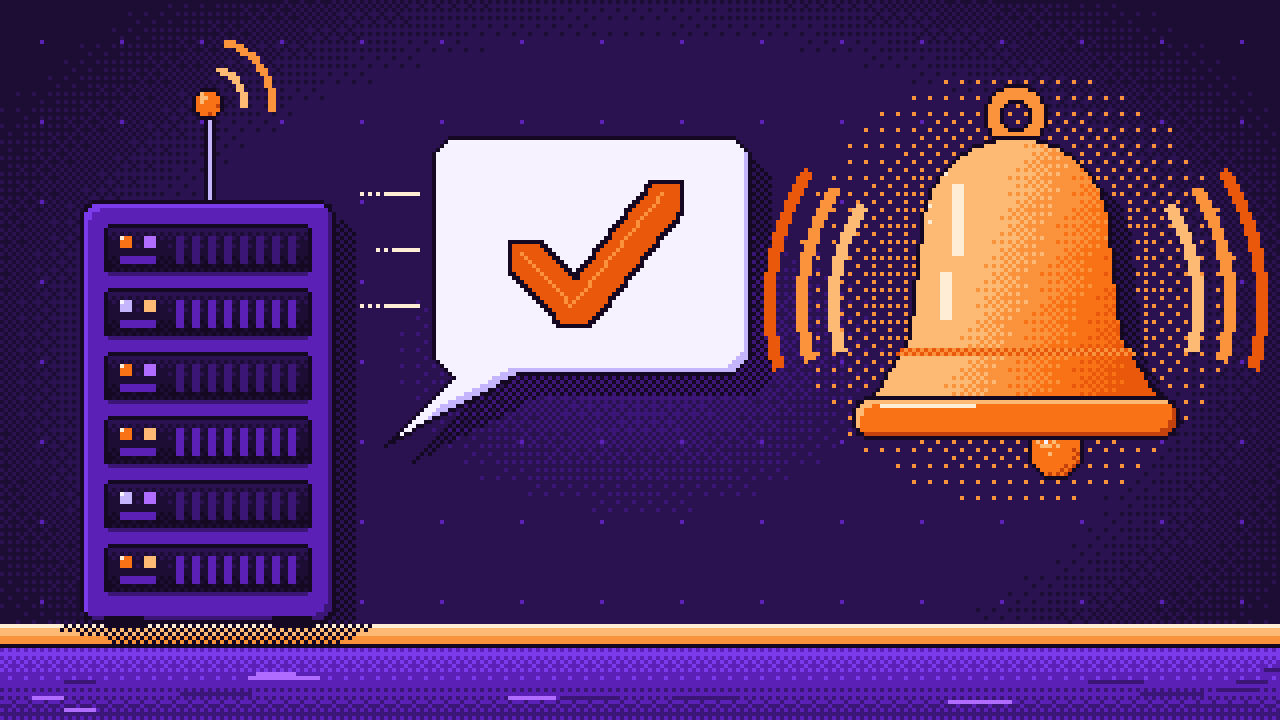
The server deploys by itself, so nobody is watching. Let the deploy script post a line to your chat when a version goes live and when one fails, and look back at the whole pipeline.
Beginner15 min