
Your Portfolio With Manablox · Part 4 of 7 in the series
Part 4: Your Own Frontend With Astro
Read your content through the public API, create an Astro website that shows it, and switch the space over to your own frontend.

Quest objectives
- Understand what a headless CMS and an API are
- Read a project as JSON from the public API
- Create an Astro frontend with the Manablox CLI
- Find your way around an Astro project
- Edit content with a live preview of your own site
The designed site is quick, but its look is limited to what the designs offer. With your own frontend you write the HTML and CSS yourself, and every detail is yours. It is also the best way to learn web development, so in the next three parts you build one, for exactly the content you created.
A CMS that hands its content to other programs instead of showing a website itself is called headless: it has no head, the website on top. It hands the content over through an API, an address that programs ask for data and that answers in JSON, a text format for data.
The public API
Manablox has a second process just for websites, the public API. It only reads, it only shows what is published, and it needs no login. Open a third terminal and start it:
# a third terminal, in my-portfolio$ pnpm dev:public[06:53:55] INFO (2251): manablox public api listening url: "http://0.0.0.0:3100" mode: "public"[07:01:47] INFO (2251): public api serves the only space machineName: "portfolio"
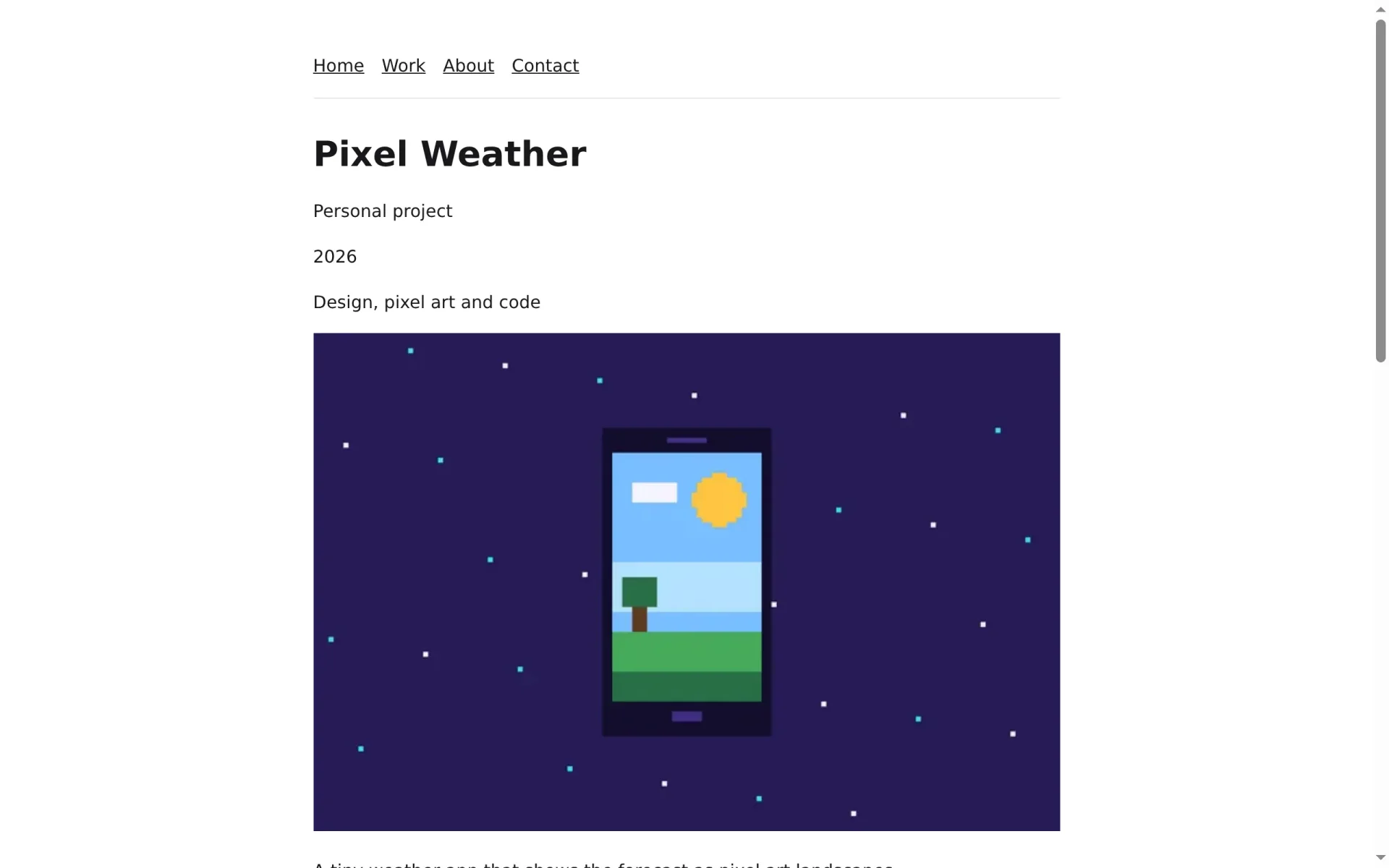
Now open localhost:3100/v1/permalink/work/pixel-weather in your browser. You get the project that lives at /work/pixel-weather, as JSON:
{
  "id": "2069af37-83bf-40de-b348-adc2696d350f",
  "type": "project",
  "title": "Pixel Weather",
  "slug": "pixel-weather",
  "permalink": "work/pixel-weather",
  "locale": "en",
  "fields": {
    "client": "Personal project",
    "year": 2026,
    "role": "Design, pixel art and code",
    "cover": "29d8b48b-b908-49b5-9572-d477c8a05115",
    "summary": "A tiny weather app that shows the forecast as pixel art landscapes.",
    "gallery": [
      "fec64640-9082-4a1f-b9d2-5b5c9ccf58c6",
      "29d8b48b-b908-49b5-9572-d477c8a05115"
    ],
    "body": { "type": "doc", "content": [] }
  },
  "tags": []
}
Everything you typed in the admin is under fields. The cover and the gallery are only ids, long codes that name a picture. A website asks the API to expand them, and then it gets the whole picture with its address, size and alt text instead.
Create the Astro project
Astro is a framework for websites. Its components look almost like plain HTML, and it renders every page on the server, so visitors and search engines get finished HTML. The Manablox CLI writes a whole Astro project for your space. Run it next to my-portfolio, not inside it:
$ cd ..$ pnpm dlx @manablox/cli frontend my-site --framework astro --model delivery --yesReading the content model from http://localhost:3100Found 2 content types and 8 block typesWriting Astro into my-siteWrote 42 files to my-siteComponents page content, Page project content, Project call-to-action block, Call to action contact block, Contact form gallery block, Gallery hero block, Hero media-text block, Image and text project-grid block, Project grid quote block, Quote text block, TextInstalling dependencies with pnpmDependencies installedInitialised a git repository
--framework astro picks Astro. --model delivery reads your content types from the public API and writes one component for every type, so the new site knows about projects, heroes and project grids from the start. Start it:
$ cd my-site$ pnpm dev astro v7.4.4 ready in 154 ms┃ Local http://localhost:3005/07:07:10 watching for file changes...
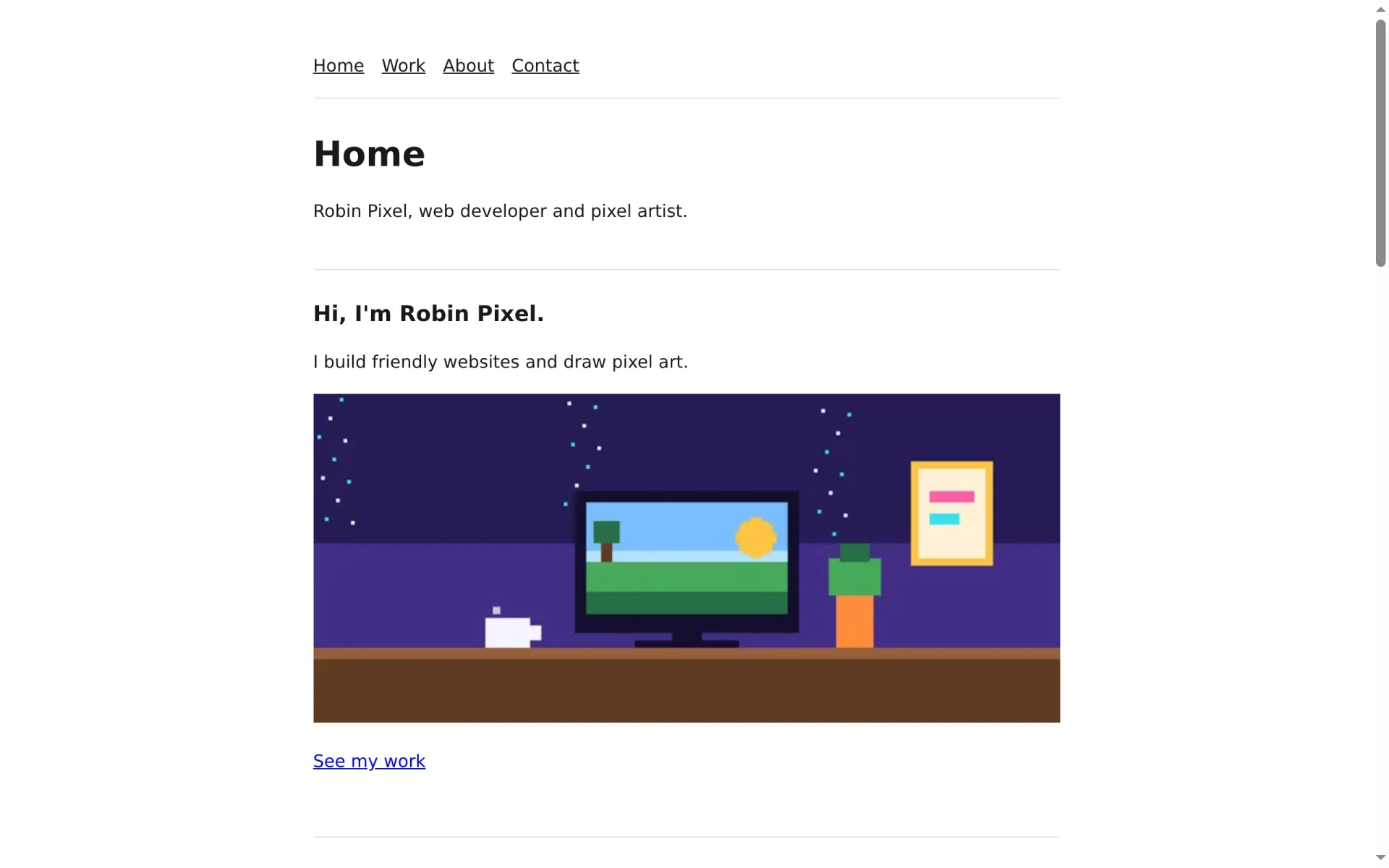
Open localhost:3005. All of your content is there: the menu, the hero, the projects and the pictures. It just has no design yet.
What is in the project
Open my-site in your editor. These are the important parts:
my-site/
├── .env                          where the CMS is: MANABLOX_URL=http://localhost:3100
├── astro.config.mjs              Astro renders every page on the server, with Node
└── src/
    ├── pages/
    │   ├── [...slug].astro       every address: loads the document and picks a component
    │   └── preview.astro         the canvas for the Visual button in the admin
    ├── layouts/Site.astro        the HTML around every page
    ├── components/
    │   ├── Blocks.astro          renders a list of blocks, each with its component
    │   ├── blocks/               one component per block type: HeroBlock.astro, …
    │   └── content/              one per content type: PageContent.astro, ProjectContent.astro
    └── lib/
        ├── manablox.ts           the client that talks to the public API
        ├── fields.ts             helpers that turn field values into something to show
        └── preview/              the same components again, for the live preview
When you open /work/pixel-weather, [...slug].astro answers, because the brackets with three dots match any address. It asks the public API for the document at that address and hands it to the component of its type, ProjectContent.astro. A page goes to PageContent.astro, which renders its blocks, each one with its own component.
This is the beginning of the hero component as the CLI wrote it:
---
import { fieldAttribute } from '@manablox/live-preview';
import { assetUrl, isImage } from '@manablox/public-sdk';
import { assets, link, text } from '../../lib/fields';

interface Props {
  block: Record<string, unknown>;
  path: (string | number)[];
}

const { block, path } = Astro.props;
const headline = text(block.headline);
const subline = text(block.subline);
const image = assets(block.image);
const button = link(block.button);
---

<section class="block block-hero" {...fieldAttribute(path)}>
  {headline && <h2 {...fieldAttribute([...path, 'headline'])}>{headline}</h2>}
  {subline && <p {...fieldAttribute([...path, 'subline'])}>{subline}</p>}
An Astro component has two parts. The part between the two --- lines is TypeScript that runs on the server: it takes the block from Astro.props and reads its fields with the helpers from fields.ts. Below it is the HTML. Curly braces put a value into it, and {headline && …} leaves the heading out when the field is empty. The fieldAttribute parts tell the live preview which field an element shows.
Switch the space to your frontend
The space still says that Manablox draws its website. Tell it about your frontend: in the admin, open Design, scroll down to Website mode and click Use my own frontend instead.
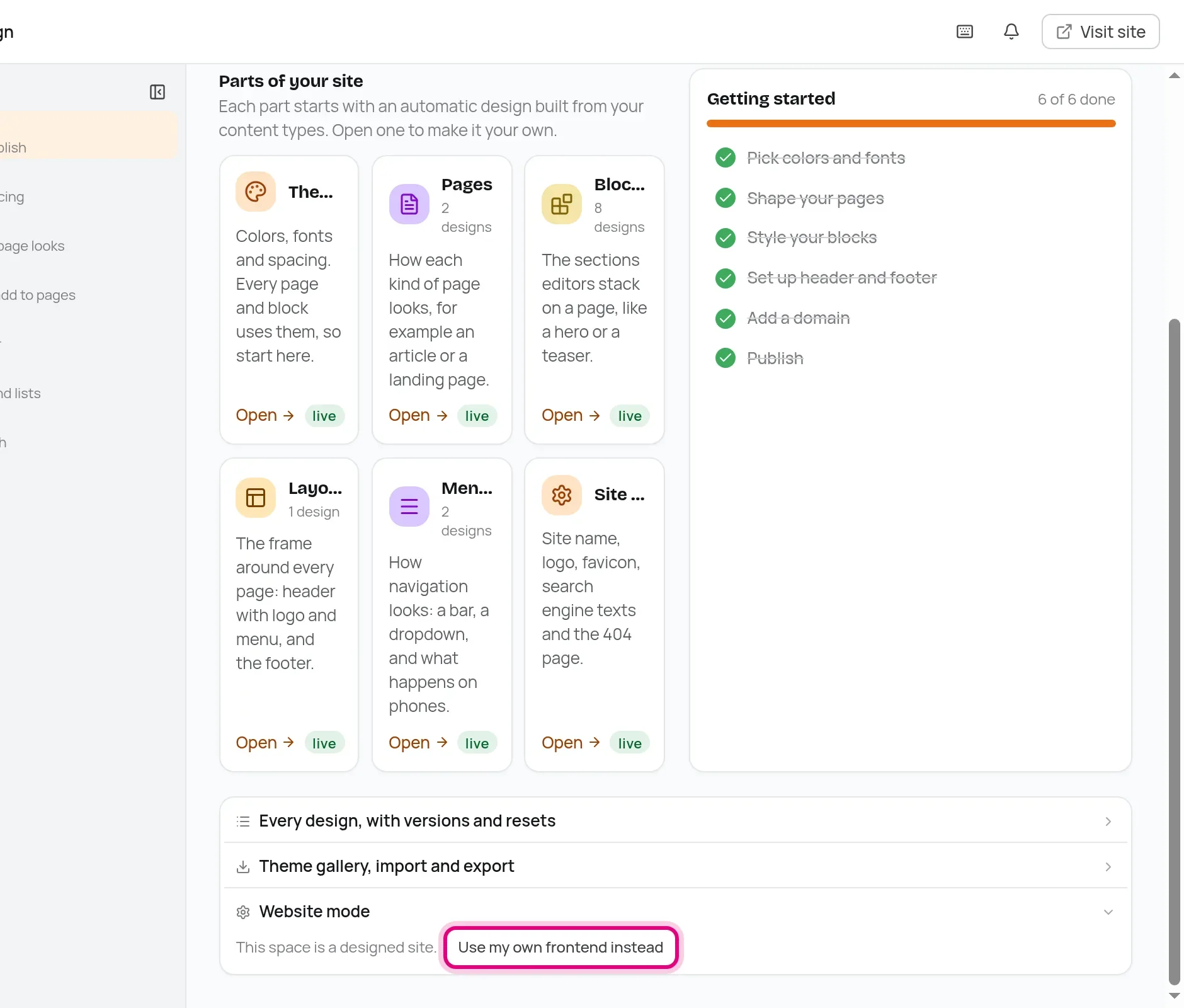
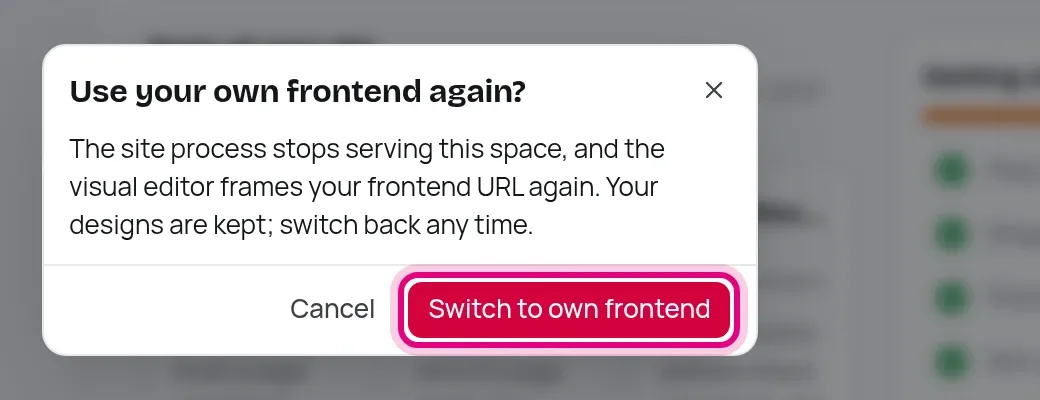
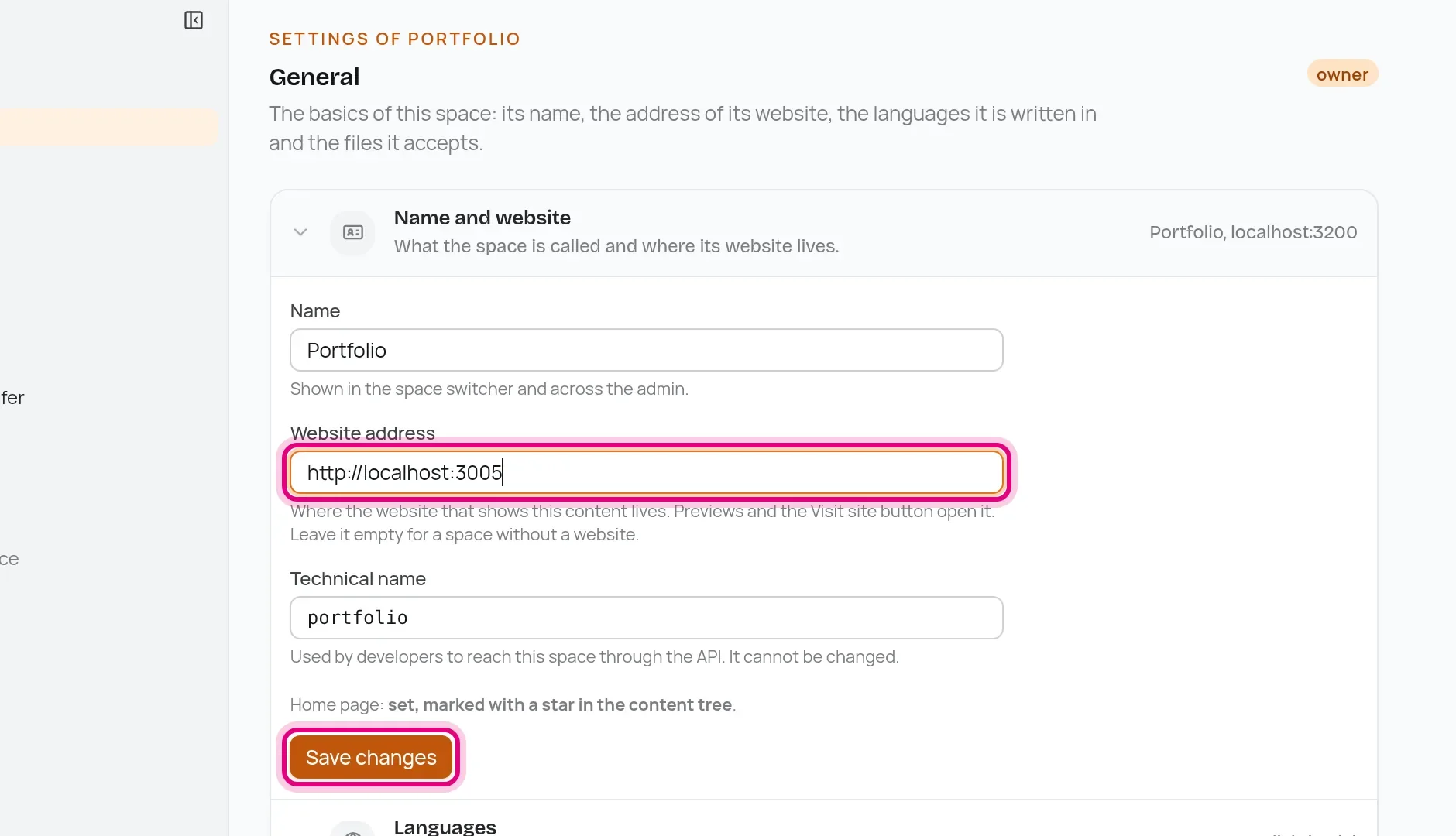
The site process stops showing this space, so you can stop pnpm dev:site with Ctrl+C. Then open Settings, set the Website address to http://localhost:3005 and click Save changes.
A live preview of your own site
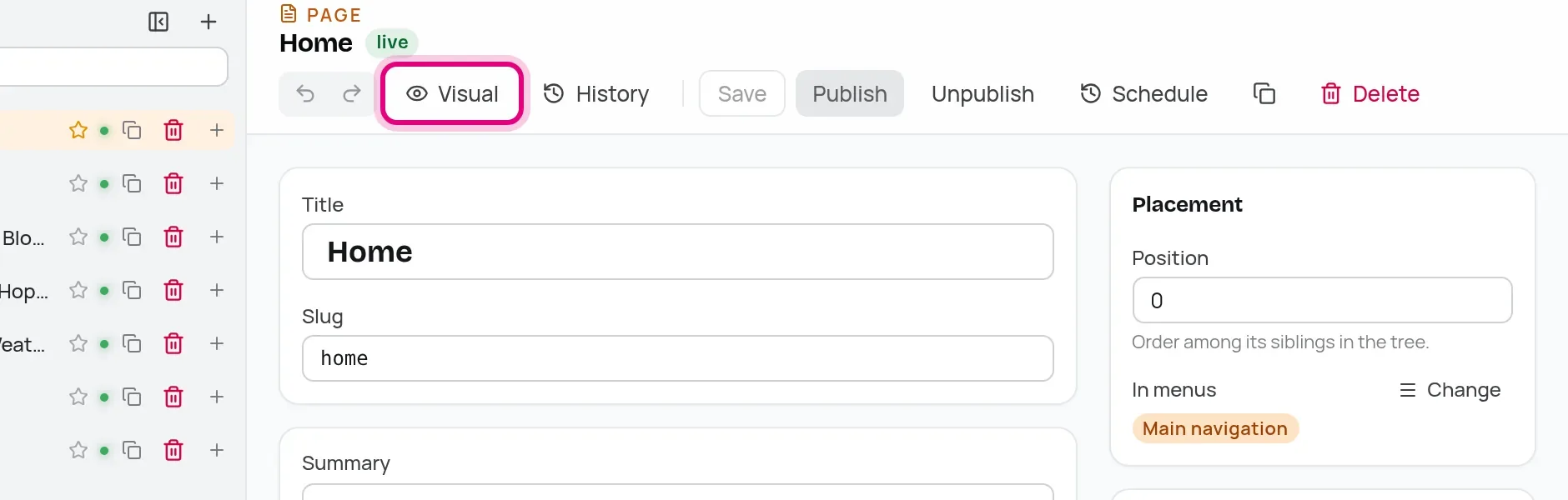
Open the Home page in the admin. Next to History is the Visual button, and it now opens your own site.
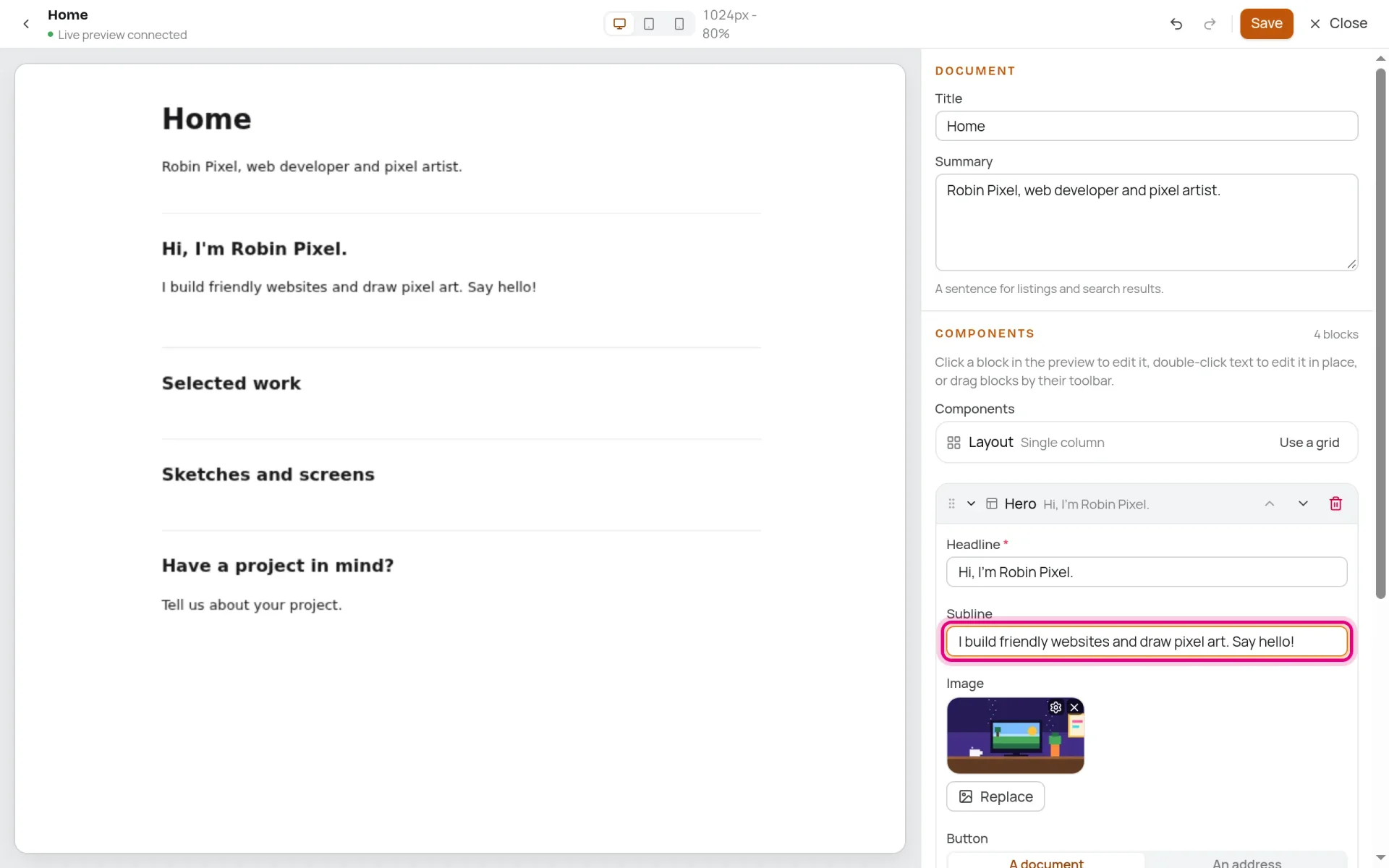
It loads /preview of your Astro site in a frame and sends it the page on every keystroke, before you even save. Type into the subline and watch it change on the left.
You now have a headless CMS and a frontend that reads from it. In the next part you turn the plain page into a real portfolio with a layout, a big hero and project cards.