Tagged: ai
Part 1: A Model on Your Own Machine
What a language model is, what it takes to run one on your own computer, and your first conversation with it in the terminal, using Ollama.
Beginner15 minPart 2: Talking to the Model From Code
Send your first request to the local model from TypeScript, learn what a conversation looks like to a model, and build a small chat in the terminal that shows the answer while it is written.
Beginner20 minPart 3: A Persona and a Prompt That Stays Fast
Turn the model into Pixel with a system prompt, tell it the date and time with every request, keep the conversation short, and arrange the prompt so that the model can reuse its work.
Beginner20 minPart 4: Tools, or How the Model Switches the Lights
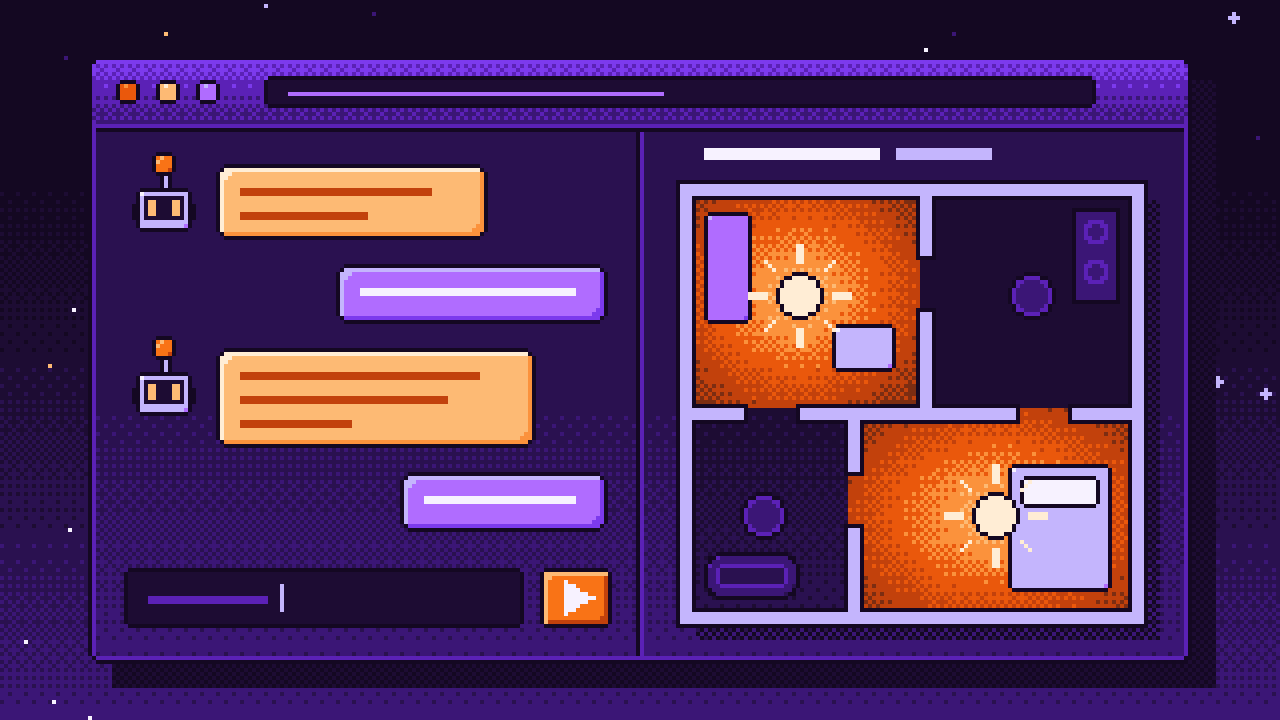
Build a small virtual home and give the model its first tool. Learn how tool calling really works: the model only asks, your code acts, and the result goes back into the conversation.
Beginner25 minPart 5: Timers, the Weather and Tools That Answer Themselves
Add timers that ring by themselves and a weather tool that asks a free service on the internet, and make the assistant twice as fast by letting tools that act speak for themselves.
Beginner25 minPart 6: Fast Rules Before the Model
Answer the simple commands with plain rules in under a millisecond, and build the router that tries the fastest way first and passes everything else on to the model.
Beginner20 minPart 7: Checking the Model's Answers
A small model claims things it has not done, answers when it should not, and sometimes does not answer at all. Catch all three in code: check every answer before anyone hears it.
Beginner20 minPart 8: A Memory That Finds Things by Meaning
Give the assistant a memory that survives a restart. Learn what embeddings are, store facts with them, find the right ones by meaning instead of by words, and put them in front of the model.
Beginner25 minPart 9: A Chat Page in the Browser
Move the assistant out of the terminal: a small web server with Node.js alone, a page with the conversation and the lamps of the home, and a channel through which the server tells the page what has changed.
Beginner25 minPart 10: Voice In: Speech to Text
Give the assistant ears. Record your voice in the browser while you hold a button, send it to your own machine and let Whisper, a speech recognizer that runs locally, turn it into text.
Intermediate30 minPart 11: Voice Out: Text to Speech
Give the assistant a voice. Run the Piper speech synthesizer on your own machine, pack its sound into a WAV file by hand, and play the answer in the browser sentence by sentence, so the first words come quickly.
Intermediate20 minPart 12: A Wake Word
Take your hand off the button. The page sends the microphone to your machine all the time, a small model finds the moments in which someone speaks, and the assistant answers the sentences that start with its name.
Intermediate25 minPart 13: Calling In a Bigger Brain: Claude Code in tmux
Give the assistant a third tier for the questions a small model should not answer: Claude Code, running in a tmux session that your program types into and that reports its answers back through a hook.
Intermediate30 min